Best Way To Play Gta 3 On Pc

Let’s be real: GTA 3 is a legendary time capsule. Even two decades later, it’s still a blast to roam Liberty City, but playing it on a modern PC can feel like wrestling a grea...

Let’s be real: GTA 3 is a legendary time capsule. Even two decades later, it’s still a blast to roam Liberty City, but playing it on a modern PC can feel like wrestling a greased pig. The best way to play isn’t just about hitting “install” and hoping for the best. It’s about unlocking the game’s full potential, making it smooth, stable, and visually crisp. This matters because a properly configured game turns a frustrating tech headache into a pure, nostalgic joyride.
For individuals, this means escaping into a classic open-world without crashes or ugly glitches. Imagine finally seeing the neon signs of Portland without texture flickering—it’s a small victory that makes the experience feel new again. For families sharing a single gaming PC, a stable port means everyone can jump in without spending hours tweaking files. It’s a shared trip back to 2001, where dad can show his kid the exact spot he first stole a taxi, and the kid can actually see the car, not a blurry mess.
Take my friend Mike, a busy dad with two young kids. He installed the Rockstar Games Launcher version, but the game ran at a slideshow speed on his new laptop. After following our guide, he applied the SilentPatch and a widescreen fix. Suddenly, he was flying through Staunton Island at 60 frames per second, grinning like a teenager. His kids watched, and now “daddy’s old game night” is a weekly family event—no consoles needed.
To get there, here’s the practical road map. First, always install the silentpatch--it fixes hundreds of bugs, from broken missions to disappearing cars. Second, grab a widescreen fix (like the one on ThirteenAG’s GitHub) to stretch the view properly, not just stretch pixels. Third, cap the frame rate at 60 FPS using your graphics card panel—GTA 3’s physics break above that, sending cars flying like rockets. Lastly, use the downgrader tool if you own the Steam or Rockstar Launcher version, as newer updates often break mods.
Another easy win: turn off the frame limiter in the in-game options, but use your GPU’s control panel to cap it instead. This stops the stutter from the game’s terrible built-in limiter. For audio crackling, run the game in Windows 7 compatibility mode. These small tweaks take ten minutes but transform the game from “unplayable” to “buttery smooth.”
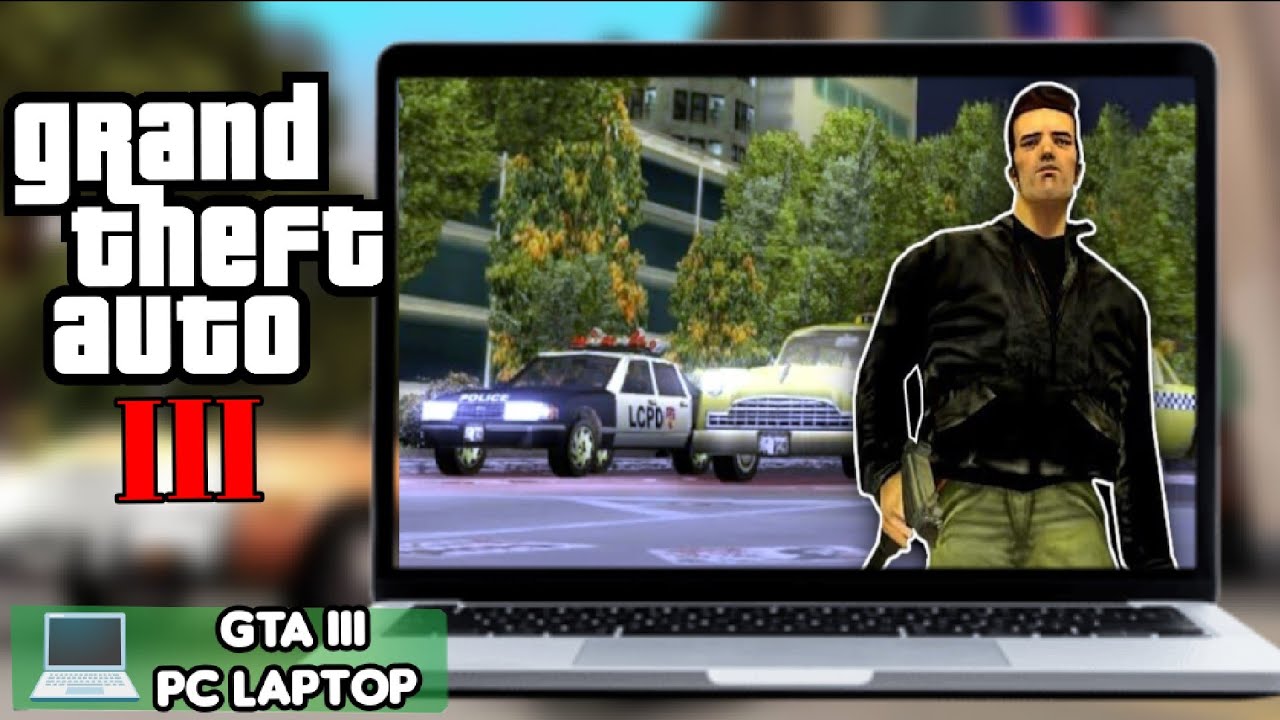 💻HOW TO PLAY GTA 3 IN PC 2026 | 🔥OFFICIAL METHOD - YouTube
Don’t forget the community angle. When you fix your game, you’re not just helping yourself—you’re keeping the spirit of Liberty City alive. Reddit threads and Discord servers are full of people sharing their custom ENB presets or vehicle mods. By playing the best version, you can actually swap stories about that one impossible mission (that mission) without the distraction of broken textures. It builds a little tribe of nostalgic gamers.
In the end, GTA 3 on PC isn’t just a game; it’s a time machine held together by glue and passion. A few smart patches and settings turn a janky relic into a timeless masterwork. So grab your baseball bat, turn up the radio, and enjoy Liberty City the way it was always meant to be—flawless and full of chaos. You’ve earned the ride.

