To listen to a Bay County scanner live, the usual route is an online public safety radio feed hosted by volunteers on a scanner website or app. Be aware that there is more than one Bay County in the United States, including in Florida and Michigan, so confirm which county you mean before you search for a live scanner stream.
Key takeaways
- Online scanner feeds are unofficial, volunteer-run and can be delayed, partial or offline.
- Check whether you want Bay County, Florida or Bay County, Michigan before you search.
- Some agencies encrypt their radio traffic, so no public feed may exist for them.
- A scanner is not an emergency tool: in an emergency call 911 and use official alerts for safety information.
What a police scanner feed is
A police scanner is a radio receiver that picks up transmissions used by emergency services, such as police, fire and emergency medical crews. Hobbyists connect scanners to the internet and stream the audio so anyone can listen, which is how most live feeds work.
Because these streams are run by individuals, they are not official services. Coverage depends on where the receiver is placed, the equipment used, and whether the local agencies use open or encrypted radio systems. The sound can drop out, lag behind real events, or disappear altogether.
Which Bay County do you mean?
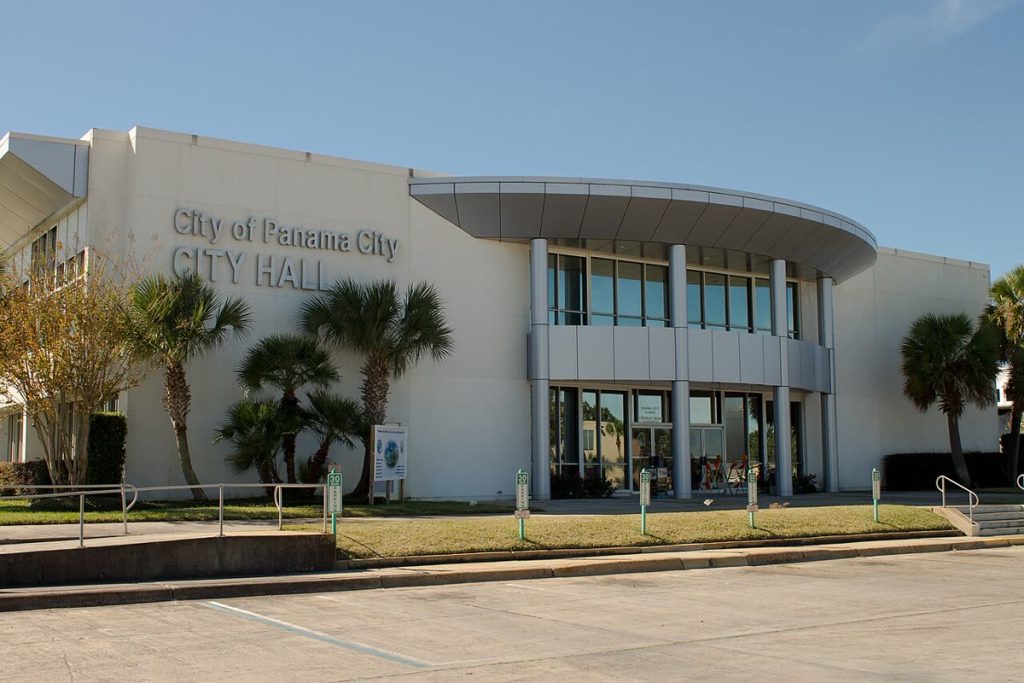
Several US states have a Bay County. The two most commonly searched are in Florida, where Panama City is the main city, and in Michigan, where Bay City is the county seat. Searching a name alone can bring up the wrong feed, so add the state to your query.
| Check | Why it matters |
|---|---|
| State | Avoids listening to the wrong county’s feed |
| Agency type | Sheriff, city police, fire and EMS often have separate channels |
| Feed status | Many listings show whether a feed is online and how many listeners it has |
| Encryption | Encrypted channels cannot be heard on ordinary scanners or feeds |
How to listen to a Bay County scanner live
- Decide which state and which agency you want, such as the sheriff’s office or fire service.
- Open a well-known scanner directory such as Broadcastify, which lists volunteer-hosted feeds by location.
- Browse to the state, then the county, and look for feeds labelled for the agencies you want.
- Choose a feed that shows as online and press play in your browser or in the official app.
- If nothing is listed, try a different directory or search for the county’s emergency communications page for general information.
Using a phone or computer
Most feeds play directly in a web browser, so you can use a laptop, tablet or phone. Mobile apps offered by scanner directories add features such as favourites and alerts. Use only the official app stores and the directory’s own website to avoid fake apps. On a mobile connection, streams use data, so a Wi-Fi connection is better for long listening.
Buying your own scanner
If you want to listen without the internet, you can buy a radio scanner. Modern systems are often digital or trunked, so check that any model you buy supports the systems used locally. The directory RadioReference lists the frequencies and system types used in each US county, which is helpful before you spend money.
Why a feed might not work
- The agency has switched to encrypted communications.
- The volunteer’s equipment or internet connection is down.
- The feed has a delay of a minute or more.
- The feed covers only part of the county or only one agency.
- You are looking at an old listing for a feed that has been closed.
If a feed is silent, that does not mean nothing is happening. It may simply be quiet, or the source may be offline.
Using scanner information responsibly
Scanner traffic is raw and often incomplete. Names, addresses and facts can be wrong, mis-heard or changed later. Please do not share unverified information on social media as if it were confirmed, because that can cause panic, harm innocent people and interfere with emergency work.
- Treat radio chatter as a lead, not a fact.
- Wait for official statements from the sheriff, police or fire department.
- Never travel to an incident scene because you heard it on a scanner.
- Respect the privacy of people involved in medical calls.
It is also worth knowing that laws about using scanners differ between US states. Some states restrict having a scanner in a vehicle or using scanner information while committing a crime. Check your own state’s rules if you plan to use a scanner on the move.
Official sources for public safety information
For anything that affects your safety, use official channels rather than scanner feeds. These include the county sheriff’s office and emergency management agency websites, local government social media accounts, emergency alerts sent to your phone, and local news outlets.
If you are looking for records instead of radio traffic, such as who is held in a local jail, a different process applies. Our guides to searching Shelby County jail records safely and checking who is in jail in Shelby County, TN explain how to use official lookup tools, and the same careful approach applies to any county.
Tips for a better listening experience
- Use headphones if you are in a public place, as audio can be sudden and distressing.
- Learn the common ten-codes and plain language terms in your area; they vary by agency.
- Keep several feeds bookmarked in case your first choice goes offline.
- Check the feed’s description for coverage notes and any delay information.
- Take a break if you find the content upsetting; real emergencies can be difficult to hear.
For general background on how radio scanners work, the Wikipedia article on radio scanners is a good starting point.
Frequently asked questions
Is it legal to listen to a police scanner?
In most places in the United States, listening to unencrypted police radio is legal. Some states have rules about using scanners in vehicles or while committing a crime, so check local law.
Why can I not find a Bay County scanner live feed?
Feeds depend on volunteers. A feed may be offline, restricted to certain agencies, or unavailable because the agency encrypts its radio traffic.
Is the feed truly live?
It is usually close to live but often delayed by several seconds or more. Do not rely on it for time-critical decisions.
Can I use a scanner app instead of a website?
Yes. Many directories offer apps that stream the same feeds, but download them only from official app stores.
What should I do in an emergency?
Call 911 immediately. A scanner is for listening only and cannot summon help.
Conclusion
Finding a Bay County scanner live is simple once you confirm the correct state and use a trusted directory, but remember that feeds are unofficial and sometimes unavailable. Treat what you hear as unverified, rely on official sources for safety information, and call 911 if you or someone nearby needs help.
Key takeaways about bay county scanner live
Here is a short summary of bay county scanner live so you can find the main points quickly.
- To listen to a Bay County scanner live, the usual route is an online public safety radio feed hosted by volunteers on a scanner website or app.
- A police scanner is a radio receiver that picks up transmissions used by emergency services, such as police, fire and emergency medical crews.
- Because these streams are run by individuals, they are not official services.
- Most feeds play directly in a web browser, so you can use a laptop, tablet or phone.
Good decisions about bay county scanner live come from checking the facts, comparing your options and taking your time.
Save this guide to bay county scanner live so you can find it again whenever you need a quick reminder.
If you only remember one thing about bay county scanner live, make it the practical steps covered in this guide.
Related reading:
- Can You Ship Wine via FedEx? Rules, Requirements and Tips
- How to Reheat Carbonara Without Scrambling the Eggs
For general background, you can look up bay county scanner live on Wikipedia.