If your phone wont charge water exposure is the likely reason, the most important thing to know is that plugging it in again and again can do more harm than the original splash. Modern phones are water resistant, not waterproof, and moisture in the charging port can stop charging or trigger a warning. This guide explains what to do in the first minutes, how to dry the phone safely, when the charging block is the problem, and when to seek repair.
Key takeaways
- Unplug the cable and power the phone off; do not keep forcing a charge.
- Dry the outside, let moisture escape from the port, and wait before charging.
- Rice is not a recommended fix; airflow and time work better.
- If it still fails after thorough drying, try wireless charging, another cable, or professional repair.
Why a phone won’t charge after water
Charging ports contain metal contacts. When liquid bridges them, the phone can detect a short or corrosion risk and block charging on purpose. Many iPhones and Android phones show an alert saying liquid has been detected in the connector and that charging is disabled until it is dry. That alert is protective, so it is not always a sign of permanent damage.
There are three common situations. The first is surface moisture only, which clears by itself. The second is water trapped in the port or under the SIM tray, which needs time. The third is actual internal damage or corrosion, which needs a technician. Knowing which you have saves effort.
What to do first if your phone wont charge water exposure is suspected
- Remove it from the water and unplug anything attached to it.
- Switch it off if it is on, and do not press buttons repeatedly.
- Take off the case, any card tray or removable cover, and pat the phone dry with a soft cloth.
- Hold the phone with the port facing down and gently tap your palm to help water drain.
- Leave it somewhere dry with good airflow, such as near (not on) a fan.
Salt water, pool water, drinks and soapy water are more damaging than clean tap water because they leave residue. If it was anything but fresh water, consider a professional clean sooner rather than later.
What to avoid
| Do not | Why |
|---|---|
| Charge it while the port is wet | Can cause a short and corrosion |
| Use a hairdryer or oven | Heat can damage the battery and seals |
| Insert cotton buds, paper clips or needles | Can bend contacts and push water further in |
| Blow compressed air into the port | May force moisture deeper |
| Rely on a bag of rice | Slow, and dust can enter the port |
How long to wait before charging
As a rule, wait at least several hours, and a full day is safer if the phone was submerged. Manufacturers such as Apple recommend leaving the phone to dry with airflow and trying again after a while; you can find official guidance on the Apple Support site for iPhones. For Android phones, check your maker’s support page for model-specific advice, since water resistance ratings differ.
If the phone shows a liquid-detection warning, do not dismiss it and force a charge unless you accept the risk. Some phones offer an emergency override; use it only if you truly need power for a short time.
Try wireless charging or another power source
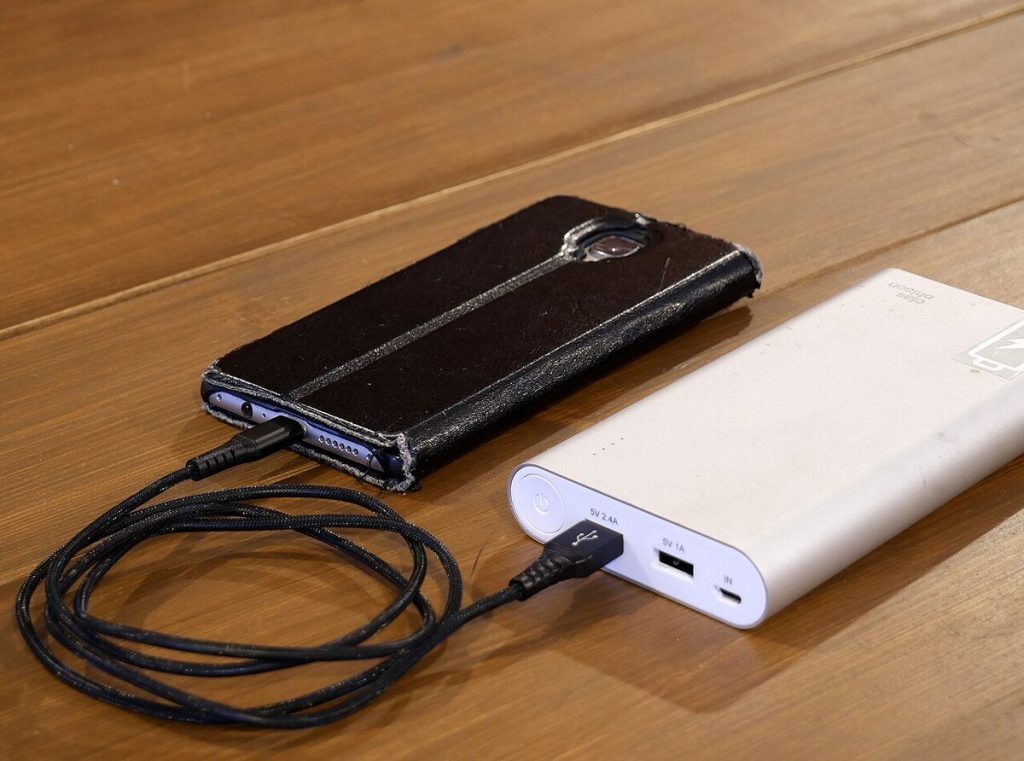
If your phone supports wireless charging, a pad can top it up without touching the wet port. Make sure the phone’s outside is dry first. A power bank can be handy too, but it uses the same port, so it does not help when the port itself is the problem.
Rule out the cable and charger
Sometimes the water story is a coincidence. Before assuming the worst, test the basics:
- Try a different cable and a different power adaptor.
- Plug the charger into another wall socket.
- Look into the port with a torch for lint, debris or green and white corrosion.
- Restart the phone once it is fully dry.
When your phone wont charge after water and drying fails
If the phone still refuses to charge after a day or more of drying, the cause may be corrosion, a damaged connector, or a battery or board fault. Signs include a hot phone, a battery that drains quickly, sound or camera issues, or a screen with moisture behind the glass. Book a repair with the manufacturer, an authorised service provider or a trusted local shop, and ask for a diagnosis before agreeing to a replacement. Back up your data as soon as the phone starts, because water damage can get worse over time.
Check your warranty and any insurance, since water damage is often excluded from standard warranties but may be covered by an insurance policy. If you are juggling other phone worries, you may find our pieces on what the carrier hub app does on Android and how phone verification works useful.
Preventing water trouble in future
- Check your phone’s official water-resistance rating and remember seals wear over time.
- Avoid using it in the bath, pool or sea unless it is rated for it and still in good condition.
- Use a waterproof pouch for beaches and boats.
- Keep ports clean to reduce corrosion risk.
- Back up regularly so a water accident is only an inconvenience.
Frequently asked questions
Why does my phone wont charge water warning appear when it looks dry?
Moisture can sit deep in the port where you cannot see it. Leave it to dry with the port facing down and try again later.
Is putting a phone in rice a good idea?
No. It is slow and can leave dust in the port. Open air and time are better.
Can I charge my phone wirelessly after it gets wet?
Often yes, if the phone supports it and the outside is completely dry.
How do I know if the port is corroded?
You may see green, white or dark deposits on the contacts, or the phone may charge only at certain angles.
Will a repair shop be able to fix it?
Often, if the damage is limited to the port or connector. Ask for a clear quote before work begins.
Conclusion
When your phone wont charge water is almost always the reason to stop, dry it properly and be patient. Avoid heat and poking, test the cable and adaptor, try wireless charging if available, and get professional help if the problem persists.
Key takeaways about phone wont charge water
Here is a short summary of phone wont charge water so you can find the main points quickly.
- If your phone wont charge water exposure is the likely reason, the most important thing to know is that plugging it in again and again can do more harm than the original splash.
- Salt water, pool water, drinks and soapy water are more damaging than clean tap water because they leave residue.
- As a rule, wait at least several hours, and a full day is safer if the phone was submerged.
- If the phone shows a liquid-detection warning, do not dismiss it and force a charge unless you accept the risk.
Questions about phone wont charge water are common, so it helps to compare more than one trustworthy source.
Use this page as a starting point for phone wont charge water and come back to it when your situation changes.
Good decisions about phone wont charge water come from checking the facts, comparing your options and taking your time.
Related reading:
- Lovage Tea Benefits: What the Herb Is and What to Know
- How to Say Hi in Dubai: Arabic Greetings and Etiquette
For general background, you can look up phone wont charge water on Wikipedia.